Most healthcare analytics and AI projects start with the same question: how do we get the data out? For US EHRs, the standard answer is FHIR Bulk Data. ONC certification for the standardised API criterion points to SMART Backend Services for system-to-system authorisation, and multi-patient access is built on the Bulk Data Access specification4. So if you are building a population health platform, a research warehouse or a clinical AI product, you will probably be writing a bulk FHIR client.
The specification itself is compact. What decides whether the pipeline works in production is everything around it: scheduling, retries, incremental loads, validation and what happens downstream.
How the flow works
Bulk export uses FHIR's asynchronous request pattern, which exists because ordinary synchronous REST calls break down for large result sets3. In outline:
- Authorise. The client authenticates as a backend service, typically by signing a JWT with its registered key and exchanging it for an access token4.
- Kick off. The client calls
$exportat the patient, group or system level withPrefer: respond-async. The server replies202 Acceptedwith aContent-Locationstatus URL3. - Poll. The client polls the status URL. Servers may send
Retry-After, and the R4 async page tells clients to back off accordingly3. Some vendors return429if you poll too early6. - Collect the manifest. On completion the server returns a manifest with a
transactionTime, whether downloads need a token, anoutputlist of NDJSON files per resource type and anerrorlist of OperationOutcome files5. - Download and clean up. The client fetches each file, then can delete the job by sending
DELETEto the status URL5.
The current published version of the IG is STU2 (2.0.0), on FHIR R41. Check which version each EHR vendor supports. Behaviour still differs between implementations, so I read the vendor's own documentation alongside the IG.
Where pipelines break
| Failure | What it looks like | The design response |
|---|---|---|
| Long-running jobs | Exports take hours, tokens expire mid-download | Treat each export as a durable job with state; refresh tokens per file, not per job |
| Partial success | A manifest with outputs and errors together | Load what succeeded, record what failed, alert on error files rather than ignoring them |
| Polling too eagerly | Throttling and 429 responses | Honour Retry-After; use exponential backoff when it is absent |
| Duplicate loads | The same resource arrives in two exports | Upsert by resource ID and version; make every load idempotent |
| Silent schema drift | New extensions or profiles appear after an EHR upgrade | Keep raw NDJSON, validate against expected profiles, quarantine what doesn't parse |
The single most useful rule: land the raw NDJSON untouched in object storage before any transformation. When something goes wrong downstream, and it will, you can replay from the files instead of asking a hospital to run another export.
Incremental loads and the _since trap
Full exports are expensive for the source system and for you. The standard approach is to pass the previous manifest's transactionTime as _since on the next run, so you only receive resources updated after it.
There is a subtlety for Group exports. The 2.0.0 changes widened the Group-level _since definition: for patients added to the group after the supplied time, servers may return resources with an earlier last-updated date12. That is the right behaviour, because a new cohort member's history is new to you, but a loader that assumes everything is newer than the watermark will mishandle it. Store the manifest's transactionTime as the watermark, never your own clock, and compare versions per resource rather than trusting the export window.
Use _type to request only the resource types you need1. Exporting everything "just in case" multiplies cost and widens the amount of ePHI you hold, which matters for the controls in the proposed HIPAA Security Rule update.
The reference architecture I use
- An export orchestrator that runs each source on a schedule, persists job state, handles polling and retries, and records every manifest.
- A raw landing zone of encrypted, immutable NDJSON files, partitioned by source, resource type and export time.
- A validated FHIR layer that parses, validates and deduplicates resources, with a quarantine for failures and per-source data quality metrics.
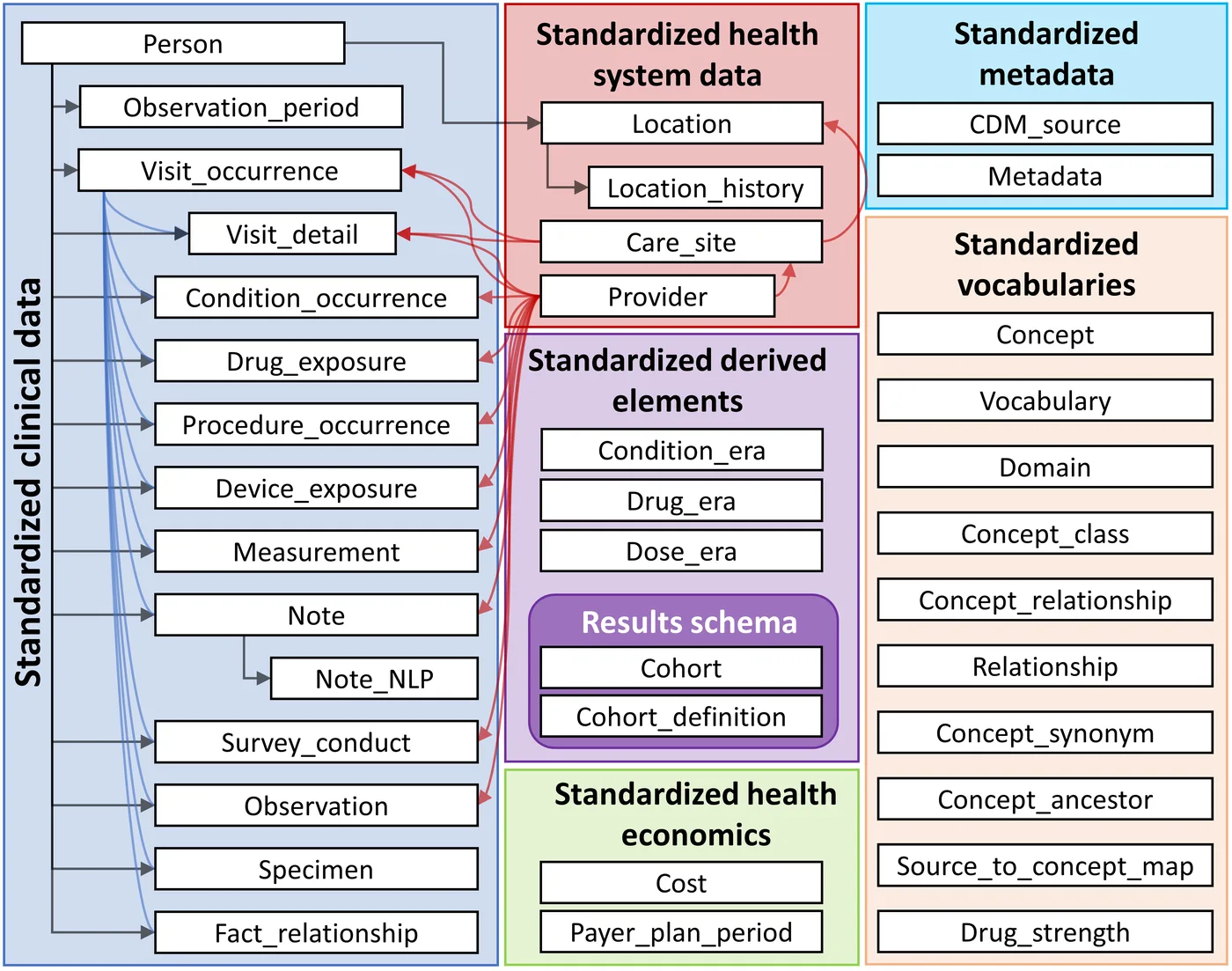
- Analytical models on top: OMOP for research and AI, as in FHIR to OMOP, checked with the tools in OMOP data quality checks.
Each layer can be rebuilt from the one below it. That property matters more than any particular tool choice, because mapping logic will change many times over a platform's life.
Questions to ask each EHR source
- Which Bulk Data IG version and which export levels (patient, group, system) are supported?
- How are groups defined and maintained, and who can change membership?
- What are the rate limits, typical export durations and maintenance windows?
- Are download URLs protected by tokens, and how long do they stay valid?
- Which resource types and profiles are populated in practice, not just supported on paper?
The answers shape the orchestrator more than the spec does. Write them down per source; they are the first thing a new engineer needs.
How I can help
I design healthcare data platforms from EHR extraction through to research-ready OMOP and clinical AI, with security and data quality built in. See healthcare data architecture, or analyse your challenge and bring the result to a call.
- 1Bulk Data Access Implementation Guide (STU2, 2.0.0): change historyHL7 International
- 2Bulk Data Access IG: Group-level export operationHL7 International
- 3Asynchronous request patterns (FHIR R4)HL7 International
- 4§170.315(g)(10) Standardized API for patient and population servicesASTP/ONC, HealthIT.gov
- 5FHIR Bulk Data ExportOystehr documentation
- 6Bulk Export (FHIR Bulk Access)Greenway Health developer documentation